MOOLO FAQ & Help Center
Answer once. Help the next customer too.
Your team already knows the answers to many recurring questions. Turn that knowledge into a standalone FAQ website where customers can understand your products, policies and services before they need to contact support.
FAQ & Help Center
A page customers can visit directly · Interface illustration
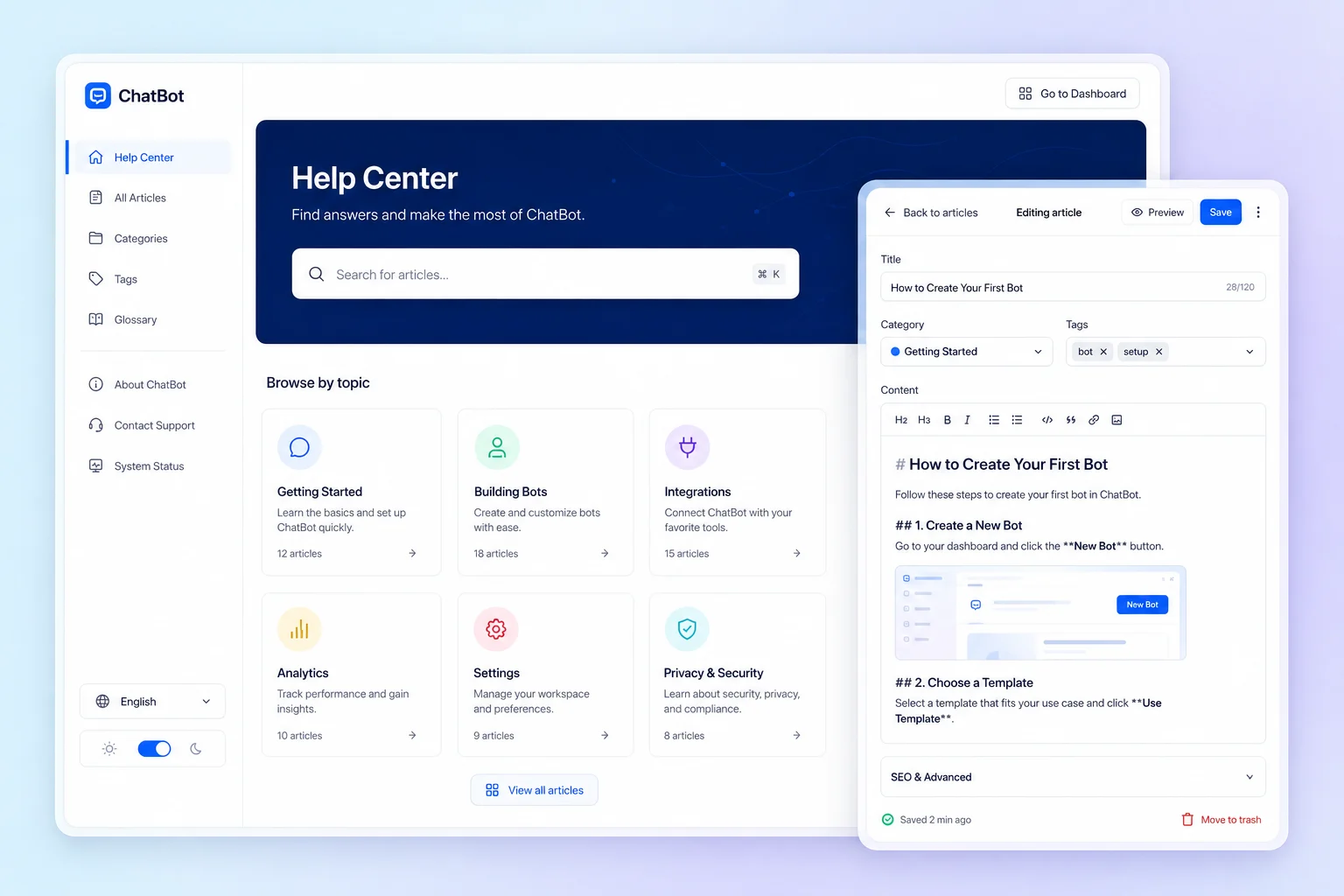
FAQ & Help Center
Less friction. A clearer customer experience.
Repeating the same explanations takes time away from more complex customer needs. A structured help center makes useful answers reusable and gives colleagues a consistent resource to share in a conversation or ticket.
FAQ & Help Center: What you can do
A page customers can visit directly
Publish your help content at its own address. Link to it from your website, emails or support replies so customers do not have to open a chat to reach the information.
Knowledge organized around questions
Group related answers by topic. Use clear question titles and practical explanations so customers can recognize the issue they are trying to solve and find the relevant guidance.
A help center that carries your brand
Customize the help center presentation and keep the language consistent with your business. Where available for your workspace, a custom domain extends the branded experience to the page address.
Who it is for
For businesses with recurring product questions, setup guidance, service explanations or onboarding instructions. A FAQ works particularly well alongside a support team that needs to share the same answers consistently.
A practical example
A new customer asks how to prepare for an appointment. Your team shares the relevant FAQ page, then uses Booking for the appointment itself. If the question needs individual attention, the conversation can continue with your support team.
Getting started
- 1
Organize answers by topic
- 2
Customize your help center
- 3
Publish a standalone FAQ page
FAQ & Help Center: Frequently asked questions
Is the FAQ separate from the chatbot widget?
Yes. The FAQ and help center can be visited through their own link. They complement conversational support with content customers can read and share directly.
What should I publish in my help center?
Start with questions your customers already ask: getting started, service preparation and everyday usage. Write concise answers, keep them accurate and update them when your product or process changes.
How do I choose the right configuration?
Start with the workflow your team wants to improve, then discuss the modules and plan that fit it. Available features depend on your subscription and workspace configuration. Contact our team for a walkthrough of your use case.
MOOLO FAQ & Help Center
Make this part of the way your team works.
Tell us what you want to improve. We can walk through the relevant module and help you understand how it fits your customer operations.